CRMs Meant For Success
Here's Why We Made This
Unlike off-the-shelf solutions, a tailored CRM is built to match the way you operate. Whether you need deeper visibility into customer journeys or tools to run your business more efficiently, a custom CRM becomes a centralized control center — a "super employee" that never sleeps.
This guide walks through key components and capabilities for your custom CRM system, designed to elevate your business operations.
CRM Functions
Tailored for Your Business
You're not just looking for a contact list or a generic dashboard. You need a CRM that operates like a highly skilled assistant — automating routine tasks, tracking relationships, and enabling your team to stay informed and focused.
-
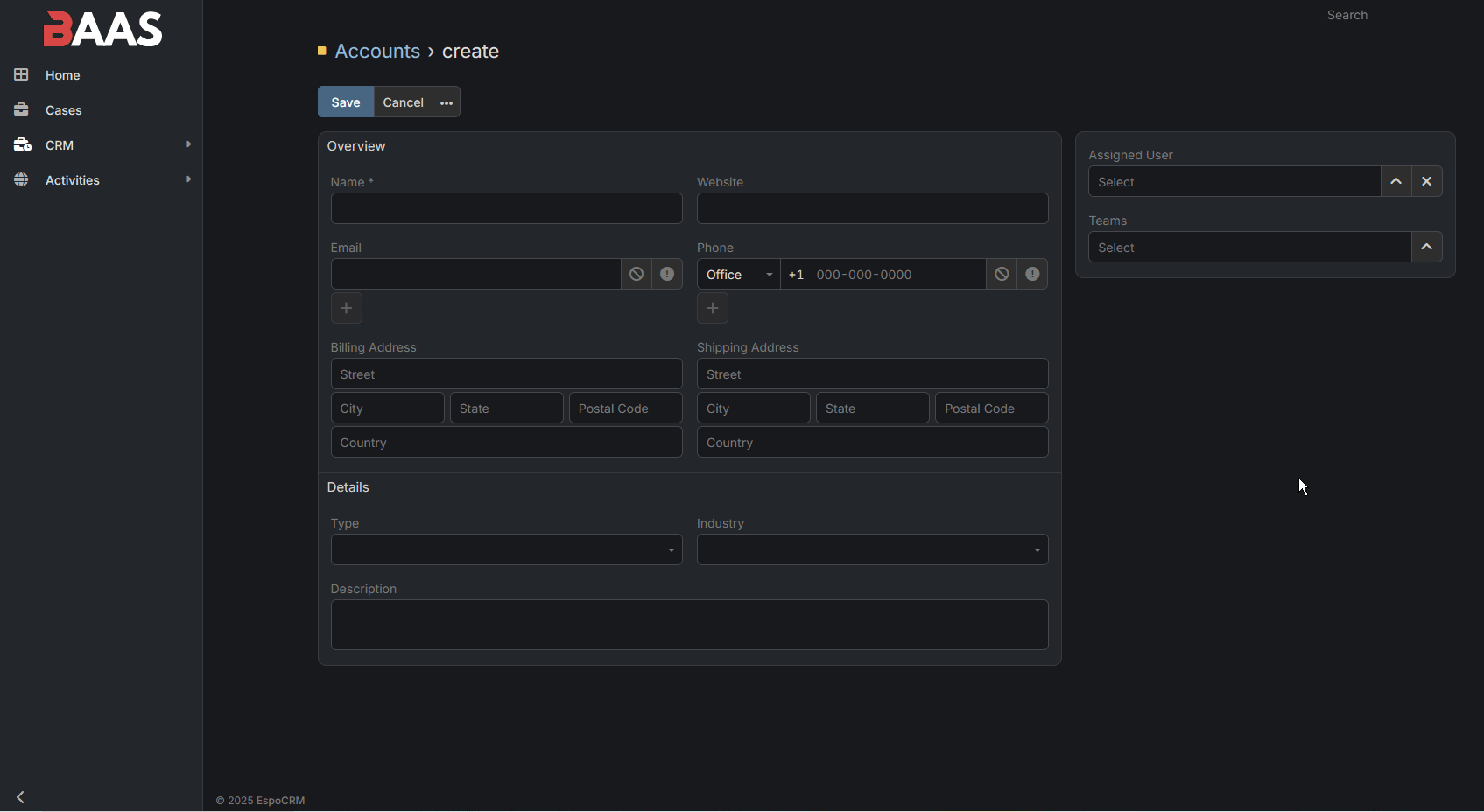
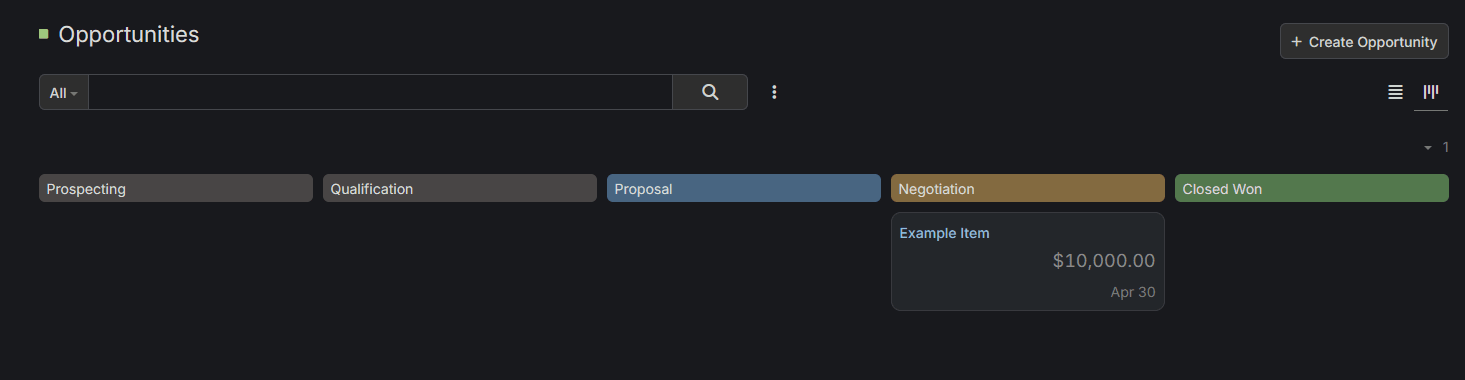
Lead Management – Track potential clients from first contact through the sales pipeline. Identify high-priority prospects, record all interactions, and set automated reminders for follow-ups so no opportunity falls through the cracks.
-
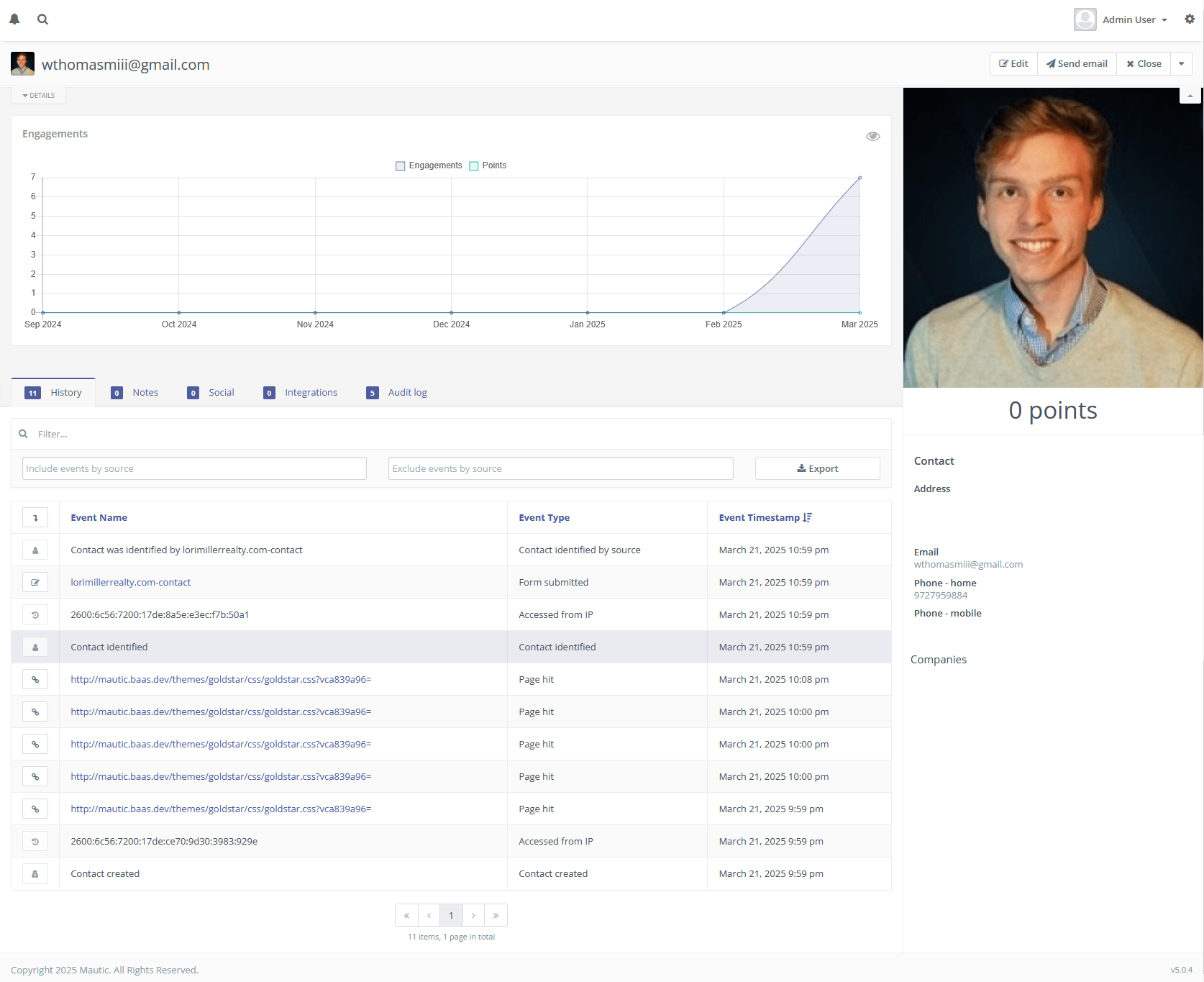
Customer Tracking – Access a complete 360° view of each client including purchase history, preferences, project statuses, and all communications in one centralized location. This historical record ensures any team member can quickly get up to speed on a customer's situation.
-
Internal Operations – Schedule and manage calls, coordinate team calendars, track project milestones, and deliver services on time. Automated workflows ensure critical handoffs between departments happen seamlessly.
This is more than customer management — this is operational control that drives business growth and customer satisfaction.
Authentication & Authorization
Security is foundational when handling sensitive business and customer information. Your CRM will have:
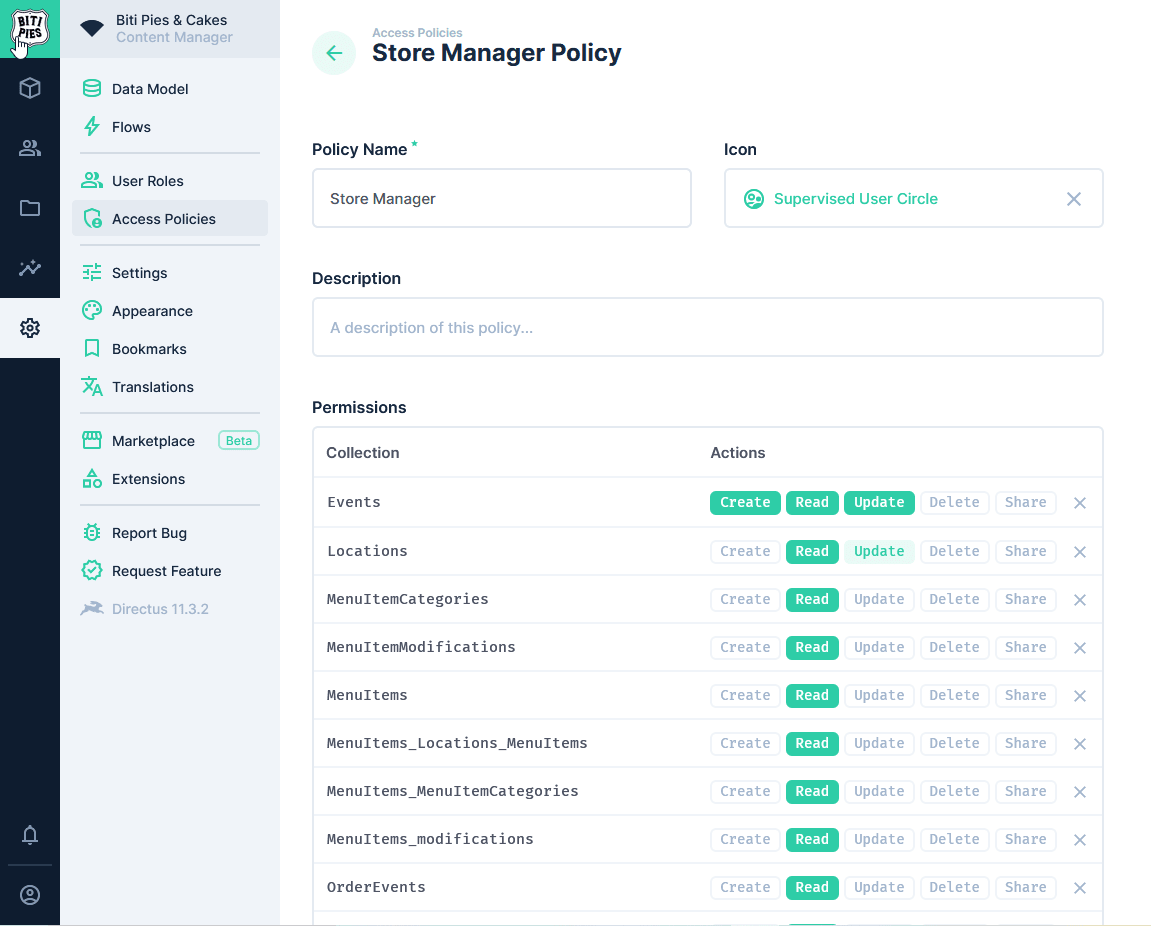
- Role-based access control (RBAC) – Create specific permission sets for different team members. Sales representatives might see leads and quotes, while service staff access support tickets and delivery schedules, and executives view performance data across all departments.
-
Secure login systems – Implement enterprise-grade security with multi-factor authentication, automated session timeouts, and fully encrypted credentials. This protects both your business and customer data from unauthorized access.
-
Audit logs – Maintain comprehensive records of all system activities, showing which team members accessed what information and when. This creates accountability and helps troubleshoot if issues arise.
These measures ensure that your sensitive data stays protected while maintaining team collaboration and efficiency.
UI (User Interface)
An intuitive and powerful interface makes all the difference in CRM adoption and effectiveness. Your CRM will include:
-
Customer Portals – Empower your clients with self-service access to their project details, order history, billing information, and direct communication channels. This transparency builds trust and reduces routine support inquiries.
-
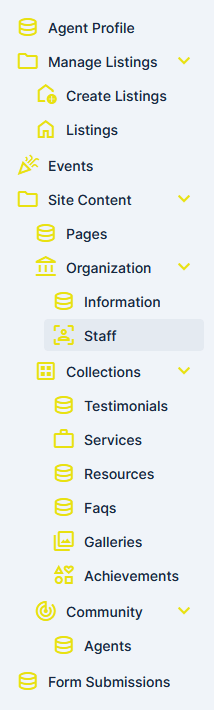
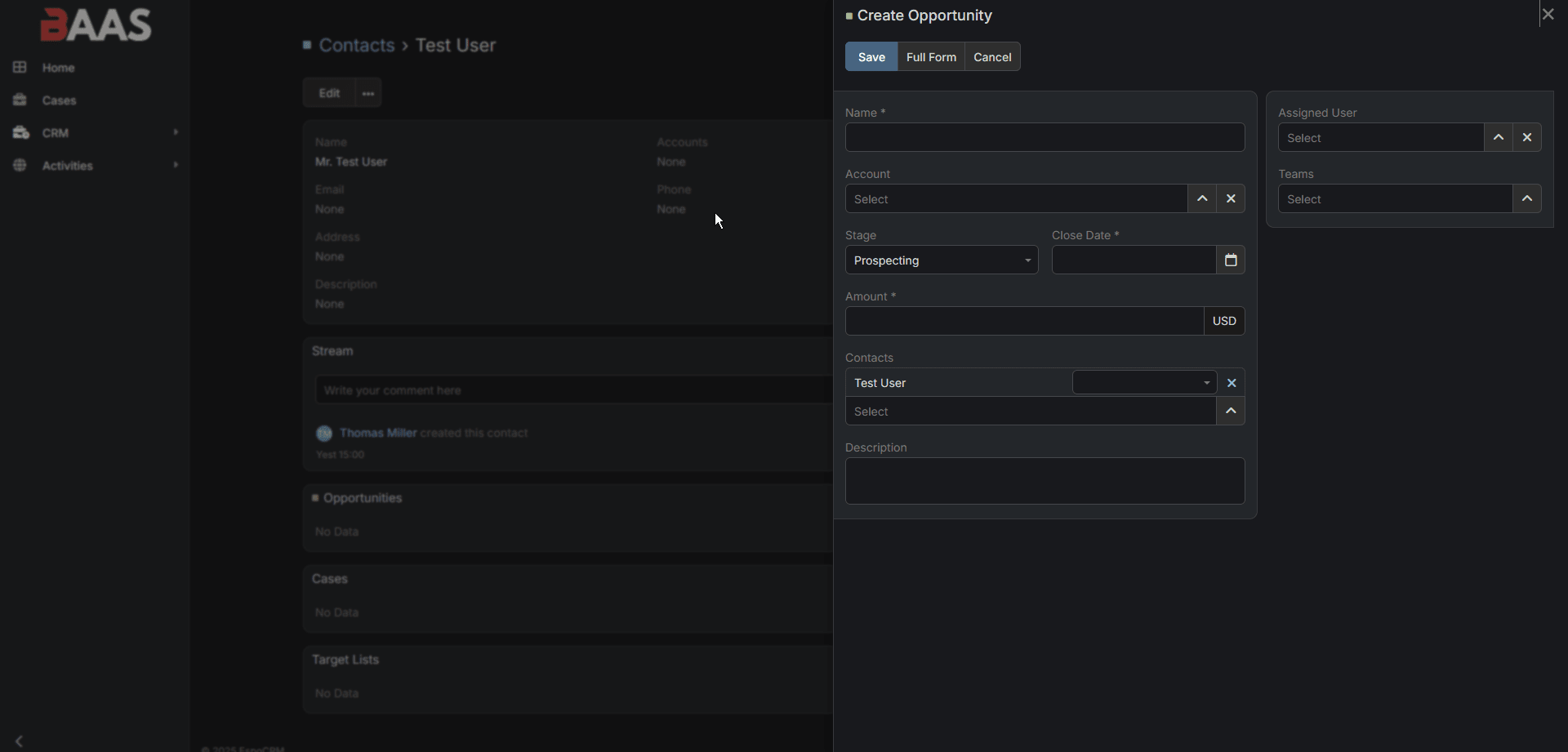
Back-End User Features – Equip your team with powerful tools to manage leads, document customer interactions, schedule appointments, and access the information they need instantly. Mobile-friendly designs ensure they can be productive anywhere.
-
Admin Features – Take control of your business operations through comprehensive administrative tools. Set user permissions, generate performance reports, manage system configurations, and oversee the entire operation from a single dashboard.
Custom design ensures the interface aligns perfectly with your workflows, terminology, and branding, making adoption seamless for your team.
Functionality Types
The core of your CRM will be built around these key modules:
-
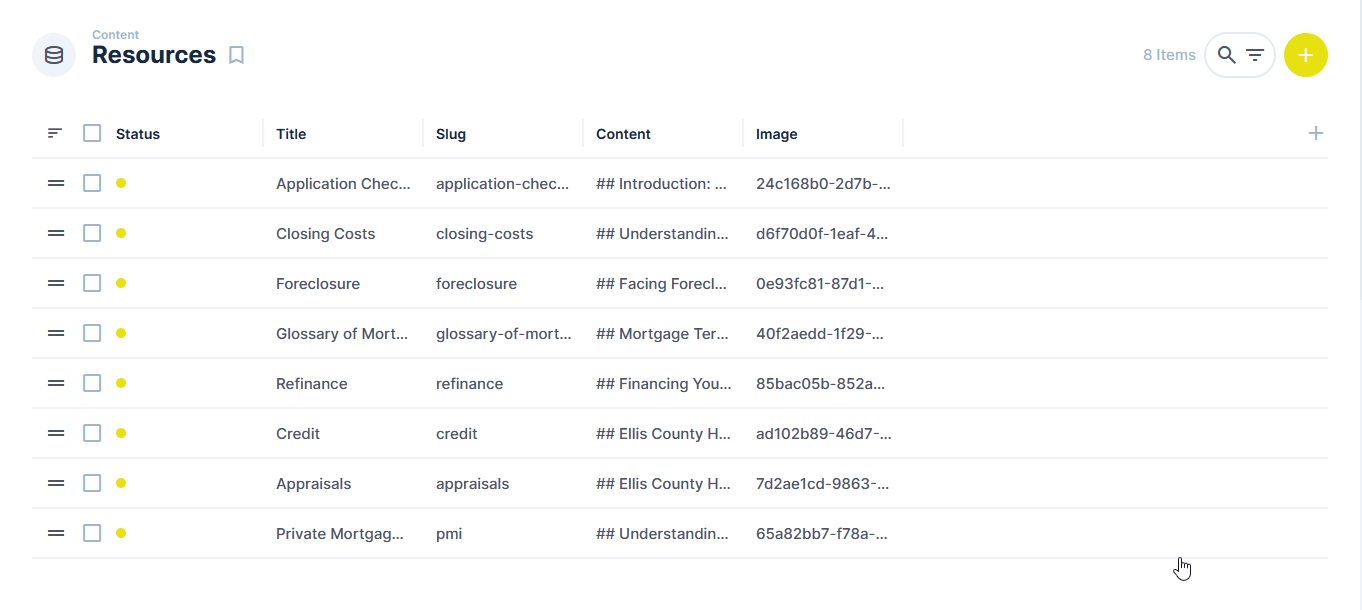
Records – Create comprehensive digital profiles for each customer, capturing not just contact information but detailed preferences, purchase history, service requirements, and complete interaction histories. This structured data becomes your business intelligence foundation.
-
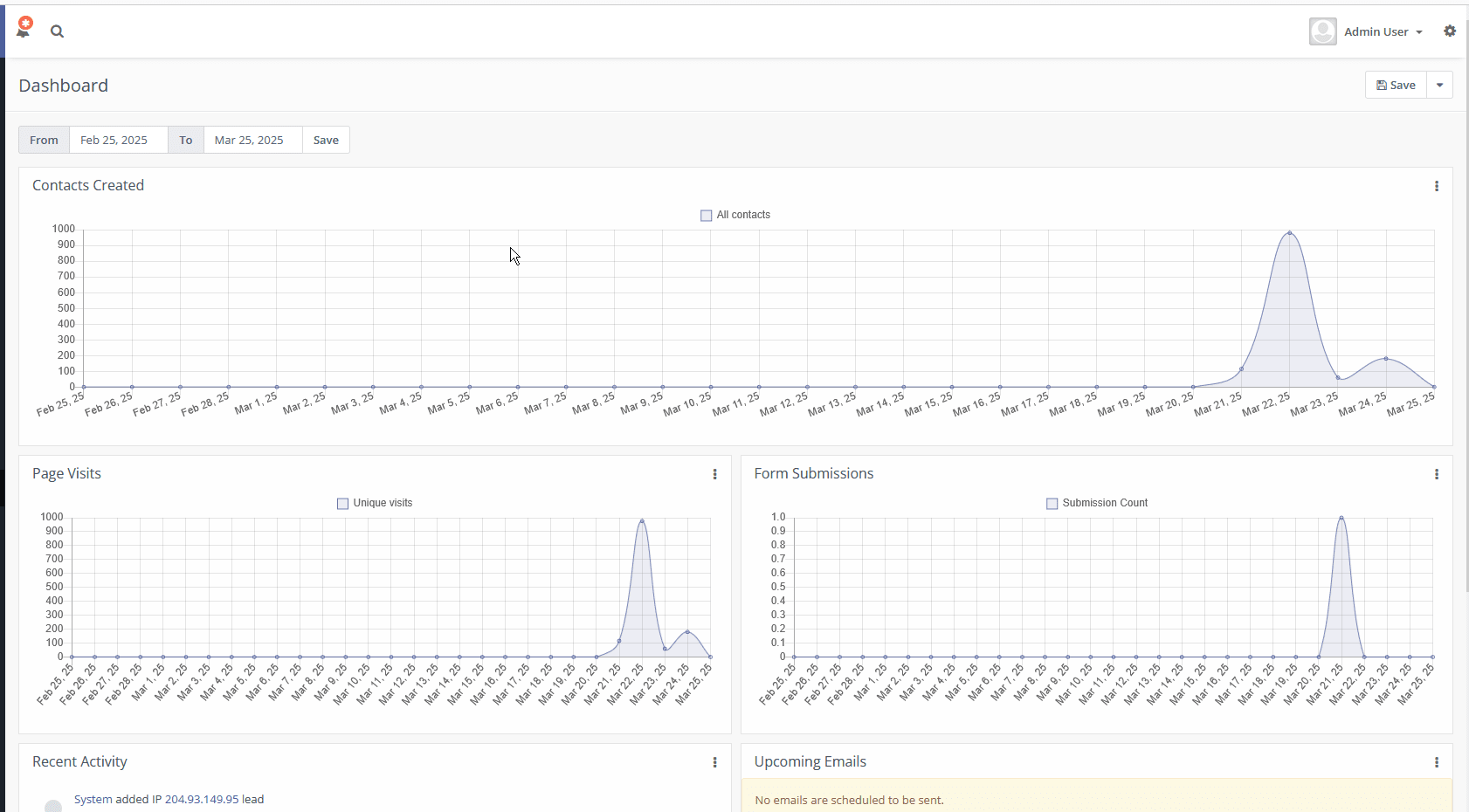
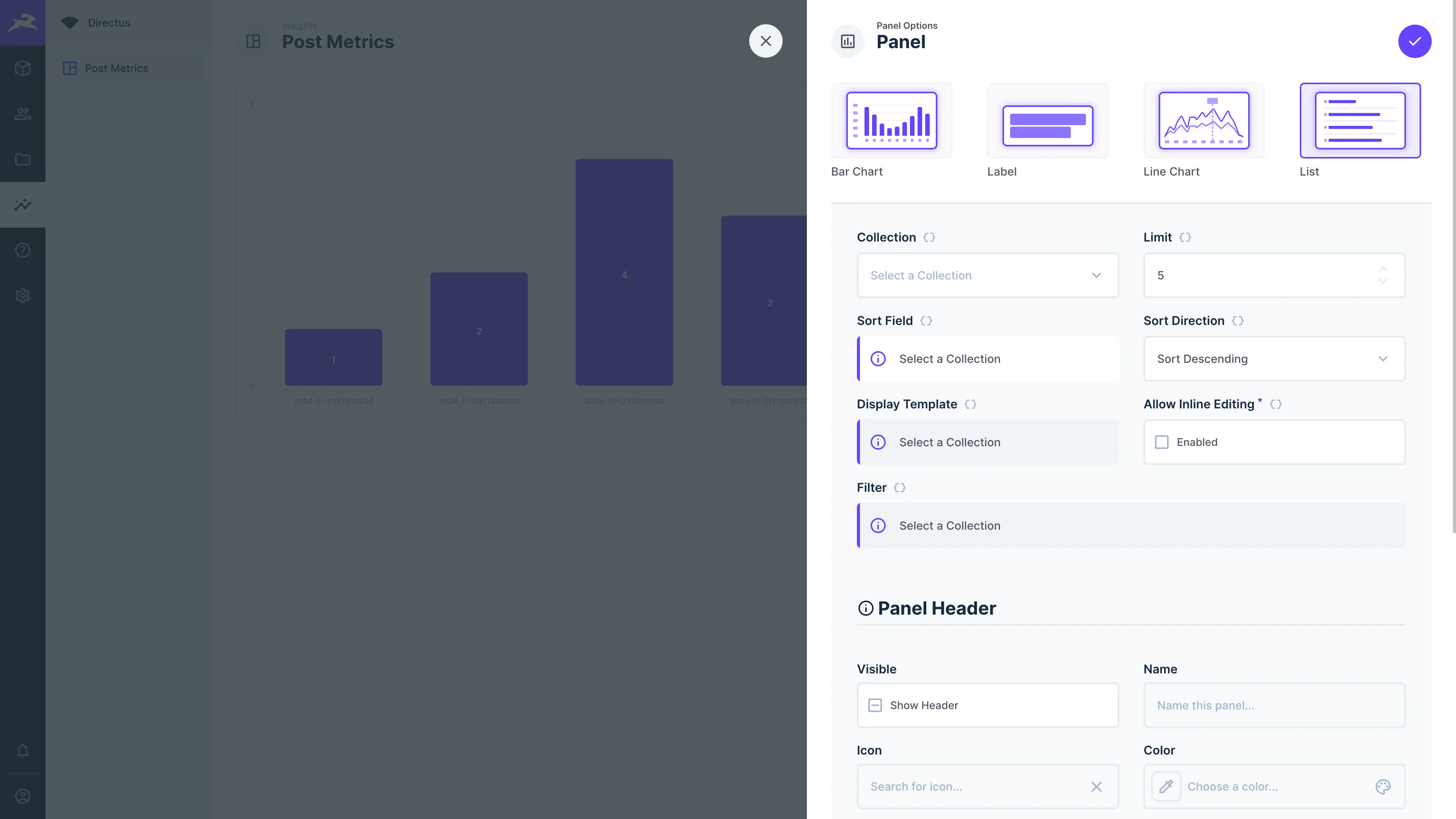
Dashboarding – Gain immediate insights through visual representations of your most important metrics: sales pipelines, project statuses, team performance indicators, and business growth trends. Custom dashboards can be configured for different roles to show exactly what each person needs to see.
-
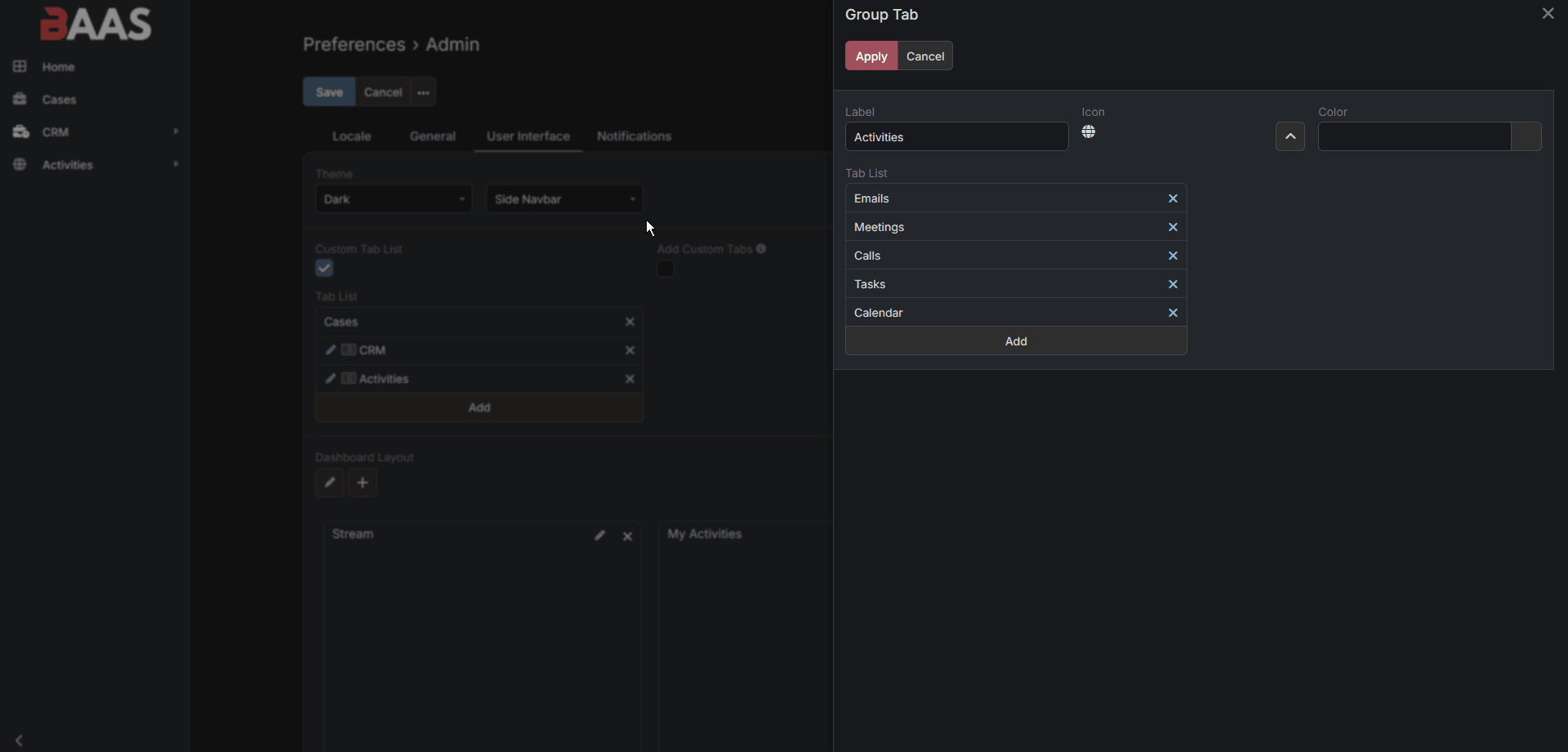
Custom Views – Filter and organize your data in ways that match how you think about your business. Create custom lists of customers by region, product category, lifetime value, or any combination of factors that help you work more effectively.
-
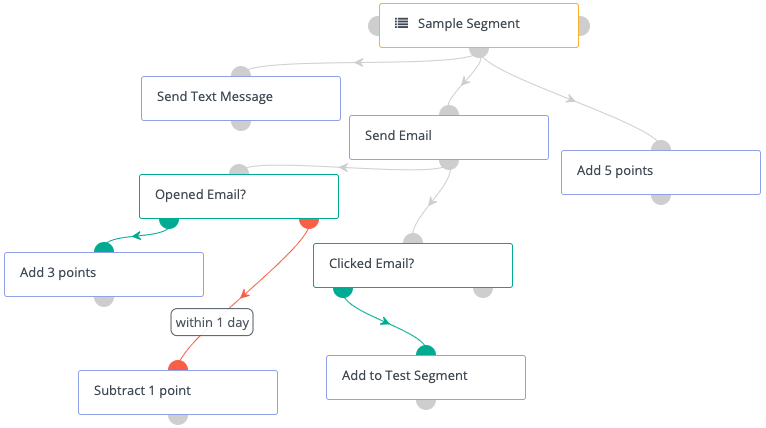
Configuration – Adapt the system as your business evolves without technical expertise. Add new fields to track emerging product lines, create tags for special campaigns, design automated workflows, and set up triggers for important events like renewal dates or follow-up opportunities.
Integrations
To make your CRM even more powerful, we'll connect it with the tools you already use:
-
External Services
-
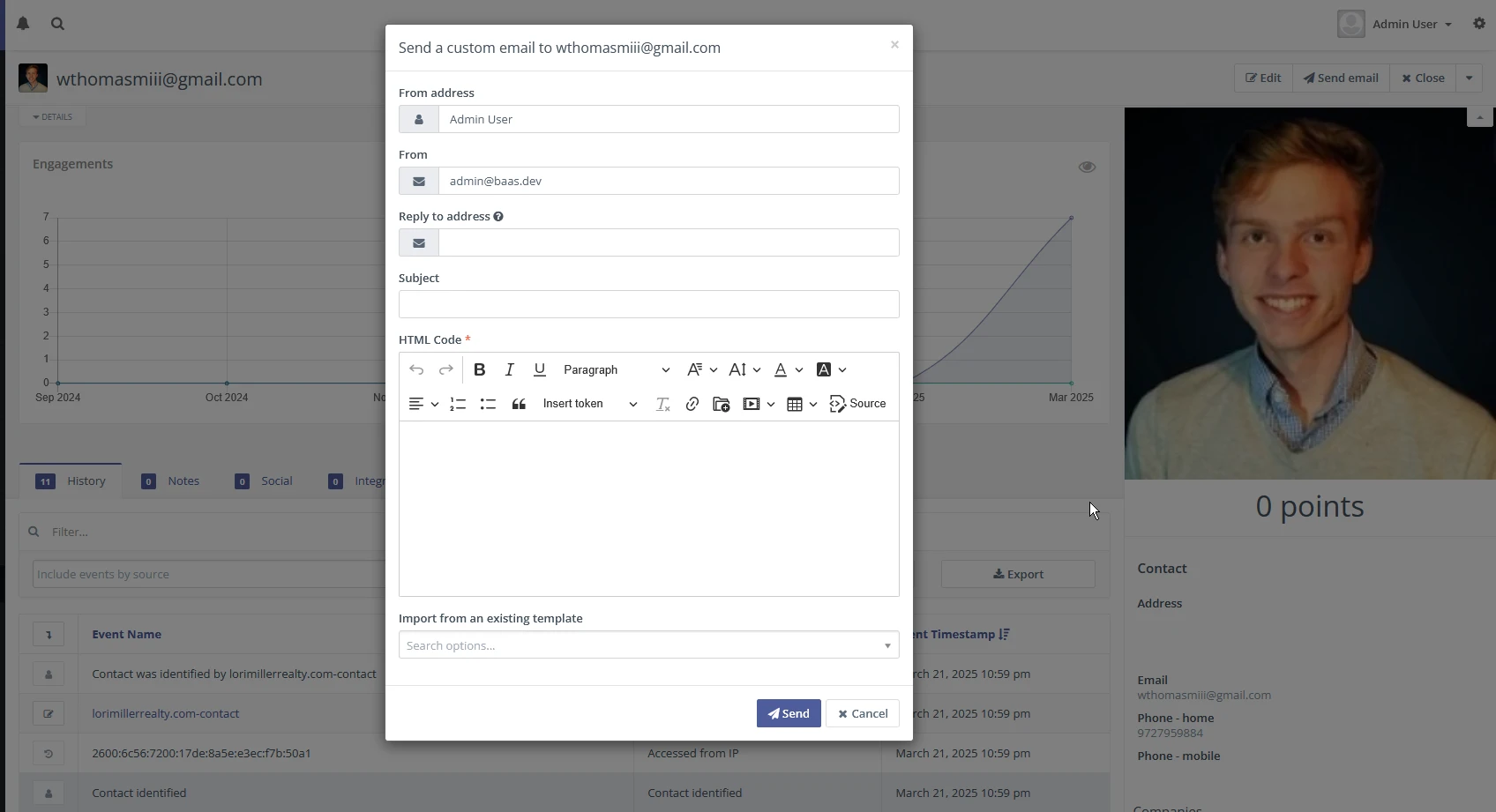
Email Integration: Automatically record all client communications within their CRM profile. Send personalized proposals, schedule follow-up reminders, and track which messages resonate with customers.
-
Notification Systems: Keep everyone informed through automated alerts. Service teams can receive immediate updates about urgent support needs, sales staff can be notified when leads take specific actions, and customers can get delivery or appointment reminders.
-
Webhooks: Create seamless connections between your CRM and other business systems. When a new order is placed in your CRM, it could automatically update your inventory management system and trigger fulfillment workflows.
-
-
Automation Integrations
-
Schedule-based Actions: Configure your system to perform routine tasks automatically. Send annual review reminders, schedule regular check-ins with key accounts, or generate renewal quotes in advance of contract end dates.
-
Customer Lifecycle Automation: Create sophisticated workflows that respond to customer milestones. When a new client completes their first purchase, automatically schedule a satisfaction check-in, send onboarding materials, and add them to relevant marketing campaigns.
-
Data Syncing: Maintain consistency across all your business systems. When customer information changes in your CRM, it can automatically update in your accounting software, marketing platforms, and support ticketing systems.
-
-
Payment Gateways
- Streamline your revenue cycle by integrating secure payment processing directly into your CRM. Generate invoices for products or services, set up recurring billing for subscription offerings, and give customers convenient payment options. Track payment status in real-time and automate reminders for outstanding balances.
Implementation Approach
-
Discovery & Planning: We begin by deeply understanding your business processes, pain points, and growth objectives. This foundation ensures the CRM solves real problems.
-
Phased Development: Rather than attempting to build everything at once, we implement the most impactful features first, delivering value quickly while allowing for feedback and refinement.
-
Team Training: Comprehensive training ensures your team can leverage every CRM capability. Ongoing support addresses questions as they arise, maximizing adoption.